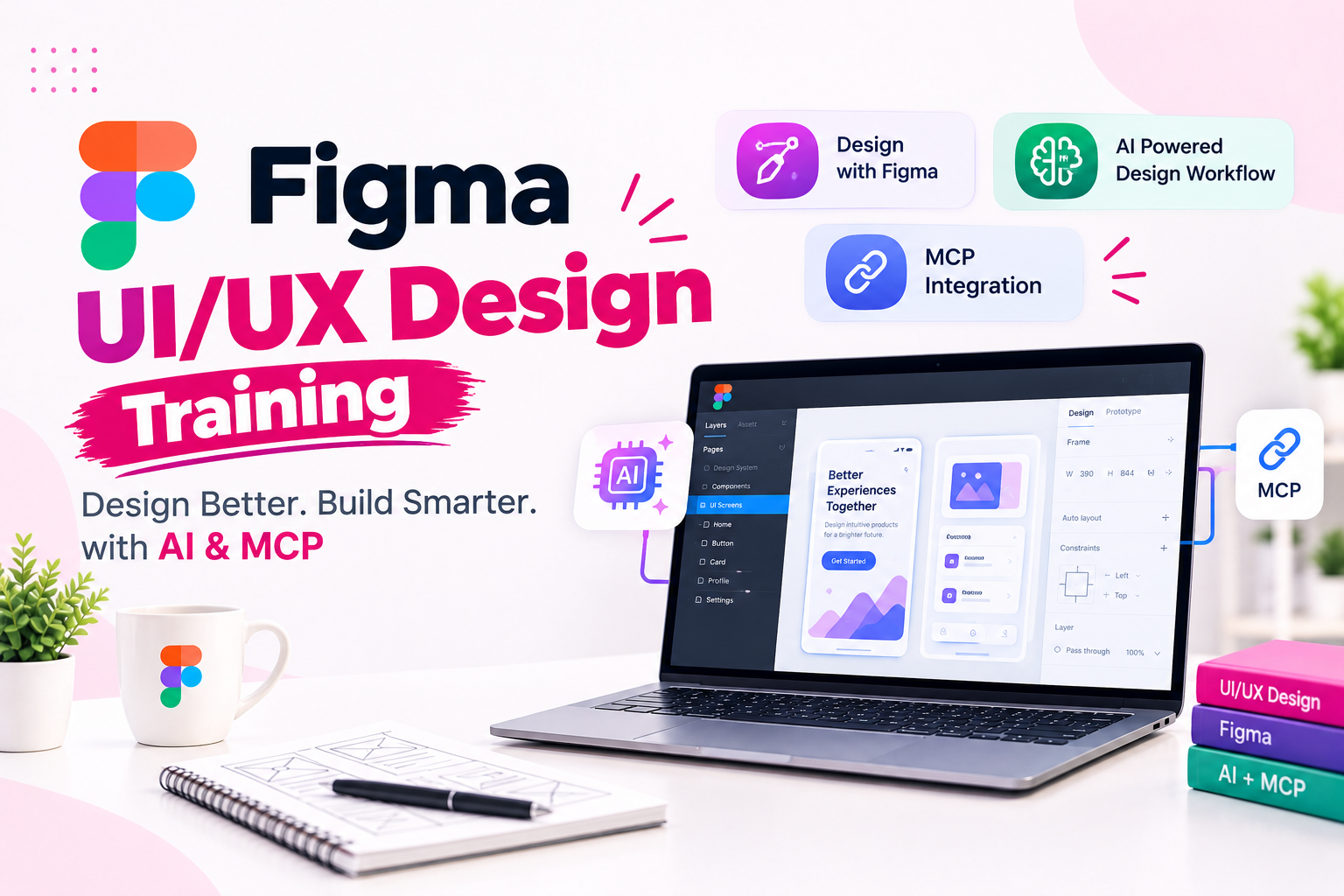
Advanced Figma UI UX Design Course with AI and MCP at JustAcademyJoin Figma UI UX Design with AI amp MCP Training at JustAcademy to learn modern interface design user experience principles AI-assisted workflows and Model Context Protocol MCP integration This practical course is designed for aspiring UI UX designers product
Advanced Figma UI/UX Design Course with AI and MCP at JustAcademy
Join Figma UI/UX Design with AI & MCP Training at JustAcademy to learn modern interface design, user experience principles, AI-assisted workflows, and Model Context Protocol (MCP) integration. This practical course is designed for aspiring UI/UX designers, product designers, frontend developers, and professionals who want to develop advanced Figma skills through live online training sessions.
Learn from guided demonstrations, hands-on assignments, interactive prototyping, and real-world design projects. Explore how AI tools and compatible MCP integrations can support design exploration, structured design handoff, and collaboration between designers and developers.
JustAcademy provides instructor-led learning, project guidance, portfolio development, and placement assistance to help learners prepare for UI/UX design career opportunities.
Online Figma Training with Live Instructor-Led Sessions
Our online Figma training course focuses on practical learning rather than recorded-only lessons. Participate in live sessions where concepts are demonstrated, design techniques are explained, and exercises help you apply your knowledge.
The training covers:
Live online Figma classes with trainer guidance
UI/UX design fundamentals and advanced Figma techniques
AI-assisted interface design and prompt engineering
Model Context Protocol fundamentals and compatible AI integrations
Wireframing, user flows, and interactive prototyping
Design systems, reusable components, and responsive layouts
Practical website, mobile application, and dashboard projects
Portfolio development and interview preparation
Placement assistance and relevant career opportunities, subject to availability
Learn AI-Powered UI/UX Design and Model Context Protocol
Figma is widely used for designing interfaces, prototypes, and collaborative design systems. Artificial intelligence can support ideation and iterative design, while MCP enables compatible AI applications to interact with structured information from connected tools.
In this advanced Figma course, learn how to explore AI-assisted design workflows and connect supported AI clients with Figma through MCP. Understand how design context can support code generation, component implementation, and designer-developer collaboration.
Topics include:
AI-assisted UI design and design exploration
Prompt engineering for design tasks
Figma MCP server fundamentals
Connecting compatible AI clients and tools
Design-to-code workflow demonstrations
Component-based interface development
Design system consistency and reusable UI patterns
Reviewing and refining AI-generated design or code output
MCP capabilities depend on the connected tools, account permissions, and current integrations.
Figma UI/UX Design Course Curriculum
Module
Topics Covered
UI/UX Design Fundamentals
User-centered design, visual hierarchy, typography, color theory, and accessibility
Figma Essentials
Frames, layers, grids, shapes, text, assets, and workspace management
Advanced Figma Training
Auto Layout, components, variants, constraints, variables, and reusable elements
UX Research and Wireframing
User personas, user journeys, information architecture, and low-fidelity wireframes
Interactive Prototyping
Transitions, overlays, interactions, navigation, and usability testing
AI for UI/UX Design
AI-assisted ideation, prompt writing, interface exploration, and design iteration
Design Systems
Component libraries, design tokens, variables, naming conventions, and responsive layouts
MCP Training
Model Context Protocol concepts, compatible clients, server setup, and permissions
AI Design-to-Code Workflows
Design context, component mapping, AI-assisted code generation, and developer handoff
Portfolio and Career Preparation
Case studies, project presentations, resume guidance, and interview preparation
Hands-On Figma UI/UX Projects
Build a practical design portfolio through project-based assignments that demonstrate your understanding of user experience, visual design, prototyping, and AI-assisted workflows.
Project
Features and Learning Outcomes
E-commerce Website UI
Product listings, product details, shopping cart, checkout, and responsive layouts
Food Delivery Mobile App
Restaurant discovery, menus, ordering flow, and interactive prototypes
Analytics Dashboard
Dashboard widgets, charts, filters, data cards, and reusable components
EdTech Learning Platform
Course catalogue, student dashboard, progress tracking, and navigation
SaaS Landing Page
Marketing sections, feature layouts, calls to action, and responsive design
AI-Assisted Design-to-Code Project
Explore a compatible MCP workflow to connect design context with an AI-assisted frontend development process
These are proposed training projects designed to develop practical skills and portfolio-ready case studies.
Tools and Technologies Covered
Tool
Application
Figma
UI design, prototyping, and collaboration
FigJam
Brainstorming, diagrams, and user flows
Figma AI Features
Supported AI-assisted design workflows
Figma MCP Server
Connecting compatible AI clients to Figma design context
Cursor
AI-assisted coding workflows, subject to compatibility
Visual Studio Code
Frontend development and supported integrations
Claude Code
AI-assisted development workflows, subject to compatibility
Git and GitHub
Version control and collaboration where applicable
Companies and Industry-Relevant Design Skills
Digital product teams at companies such as Airbnb, Atlassian, Dropbox, Duolingo, GitHub, Microsoft, Netflix, Slack, Stripe, and Zoom provide examples of the broader product-design ecosystem.
The course helps learners develop skills relevant to interface design, prototyping, design systems, and collaboration with development teams. These companies are industry examples, not claimed hiring partners of JustAcademy.
Real-Time Projects in Figma UI/UX Design with AI & MCP Training
At JustAcademy, learners work on practical UI/UX design projects to apply Figma, AI-assisted design techniques, prototyping, design systems, and MCP-based workflows. These projects help learners develop portfolio case studies and gain experience with common digital product design challenges.
No.
Project Name
Project Description
Skills & Tools Covered
1
E-Commerce Website UI/UX Design
Design an online shopping experience with product listings, product details, cart, checkout, and responsive layouts.
Figma, Auto Layout, Components, Responsive UI, Prototyping
2
Food Delivery Mobile App
Create restaurant discovery, menu screens, filters, order placement, and order tracking interfaces.
Mobile UI/UX, User Flows, Interactive Prototyping, Figma
3
EdTech Learning Platform
Design a learning portal with course listings, student dashboards, progress tracking, and course details.
Wireframing, Information Architecture, Design Systems, Figma
4
Admin Analytics Dashboard
Build an analytics dashboard with data cards, charts, navigation, filters, and reusable interface components.
Dashboard UI, Auto Layout, Variables, Components
5
SaaS Landing Page
Create a responsive marketing website with product features, pricing sections, testimonials, and conversion-focused calls to action.
Document a design problem, user flow, wireframes, final interface, prototype, and design decisions in a portfolio-ready case study.
UX Process, Figma Prototyping, Presentation, Portfolio Development
Project Outcomes
By completing these practical exercises, learners can develop experience in website design, mobile app UI/UX, interactive prototyping, reusable design systems, AI-assisted design, and MCP-supported design-to-development workflows.
The projects are intended for training and portfolio development. Specific tools and MCP capabilities depend on the available integrations and permissions.
Career Opportunities After Figma Training
After developing your design skills and portfolio, you can explore opportunities such as:
UI/UX Designer
UI Designer
UX Designer
Product Designer
Interaction Designer
Visual Designer
Design Systems Designer
Junior Digital Product Designer
Career outcomes depend on your practical ability, portfolio, experience, and employer requirements.
Why Choose JustAcademy for Figma Training?
Live online training sessions with practical demonstrations
Trainer-guided exercises and assignments
Advanced Figma and AI-assisted design workflows
Introduction to MCP and compatible integrations
Real-world website, mobile app, and dashboard projects
Portfolio development and interview preparation
Placement assistance and relevant referrals, subject to availability
The program is designed to help learners gain practical experience and prepare for UI/UX design opportunities. Placement assistance does not guarantee employment.
Enrol in Figma UI/UX Design with AI & MCP Training
Upgrade your design skills with advanced Figma training, AI-powered UI/UX workflows, and MCP integration concepts. Learn through live online sessions, build practical projects, and develop a portfolio that showcases your design capabilities.
Explore the course, request the latest syllabus, and discuss available batches with JustAcademy.
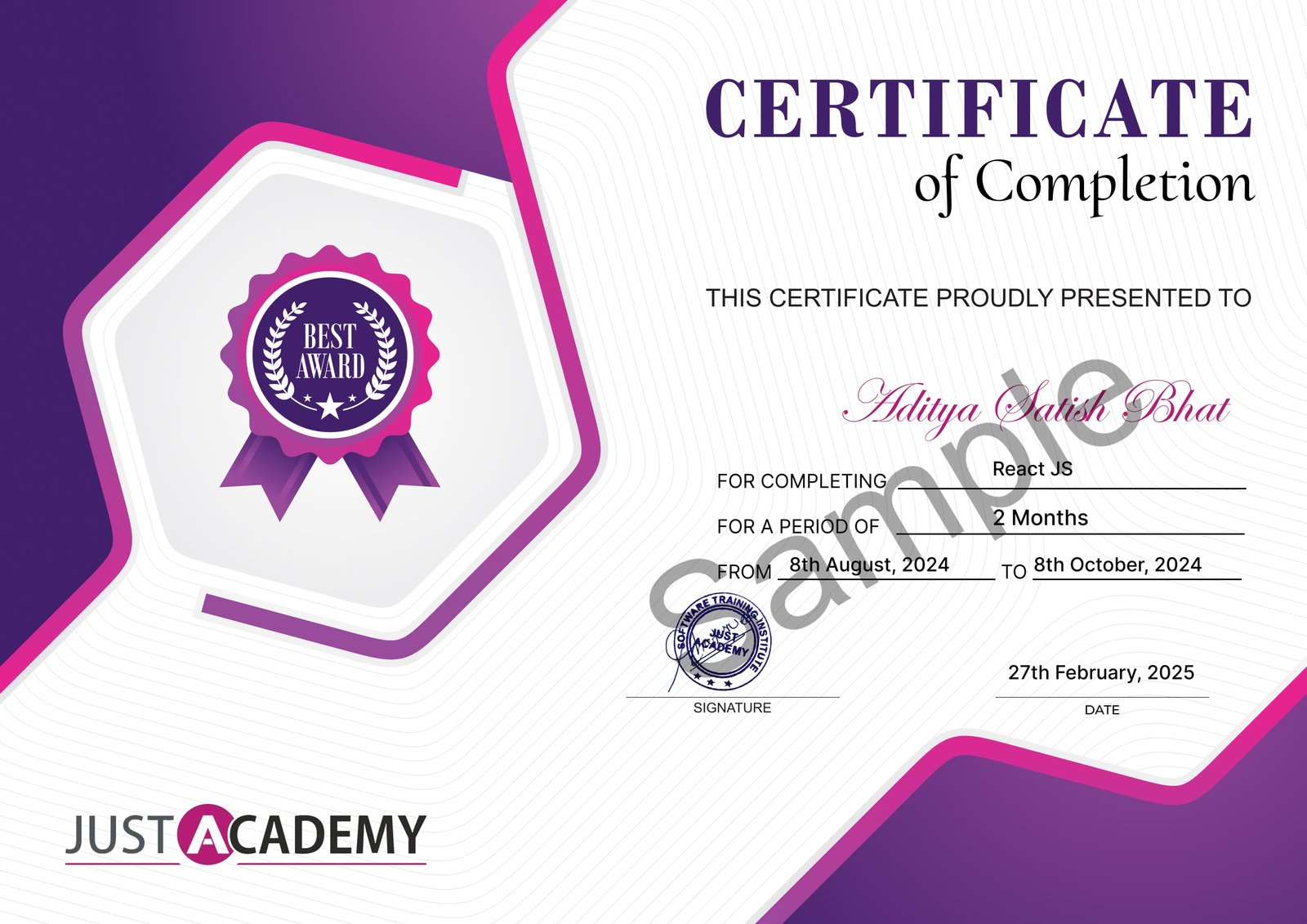
Upon successful completion of the Figma UI/UX Design with AI & MCP course, you will receive a certificate from JustAcademy, validating your skills and expertise in this domain.
Industry-recognized certification
Validates your proficiency in Figma UI/UX Design with AI & MCP
Enhances your resume and LinkedIn profile
Digital and printable formats available
Sample Certificate
What Makes JustAcademy Institute of Skills Training So Special?
JustAcademy offers advanced Figma UI/UX Design Training with AI and Model Context Protocol (MCP) through live online sessions, practical assignments, and expert mentor guidance. Learn wireframing, responsive interface design, interactive prototyping, design systems, AI-assisted design workflows, and MCP integration with compatible AI tools. Work on practical projects involving websites, mobile applications, dashboards, and AI-assisted design-to-code workflows while developing a professional UI/UX portfolio. The course also includes interview preparation, career guidance, and placement assistance to help you prepare for UI/UX design opportunities.